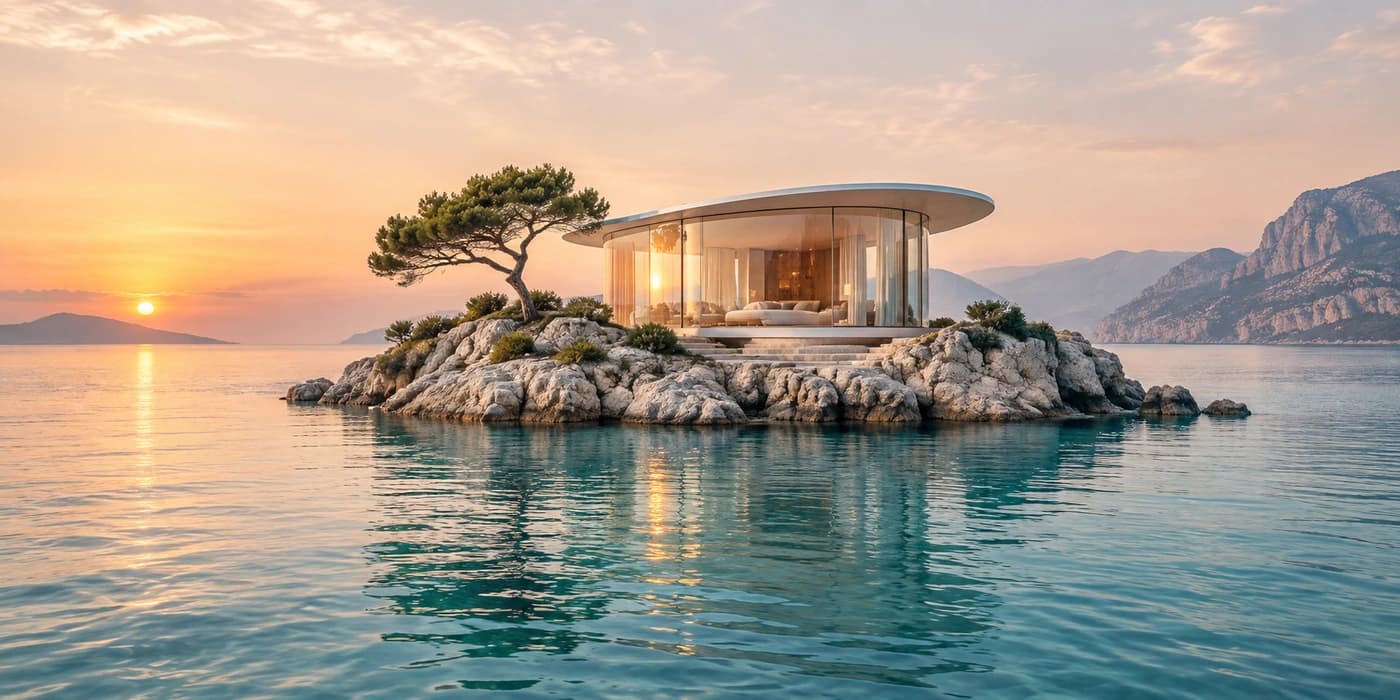
“Imagine a glass pavilion on a tiny island at sunrise.”
Image generation
Start with an idea.
Describe what you imagine and bring it to life. Explore a direction, then make it your own.
Turn an idea into an image, or give it a fresh direction. Just tell DreamEdit what you have in mind.
No credit card required.

Describe what you imagine and bring it to life. Explore a direction, then make it your own.
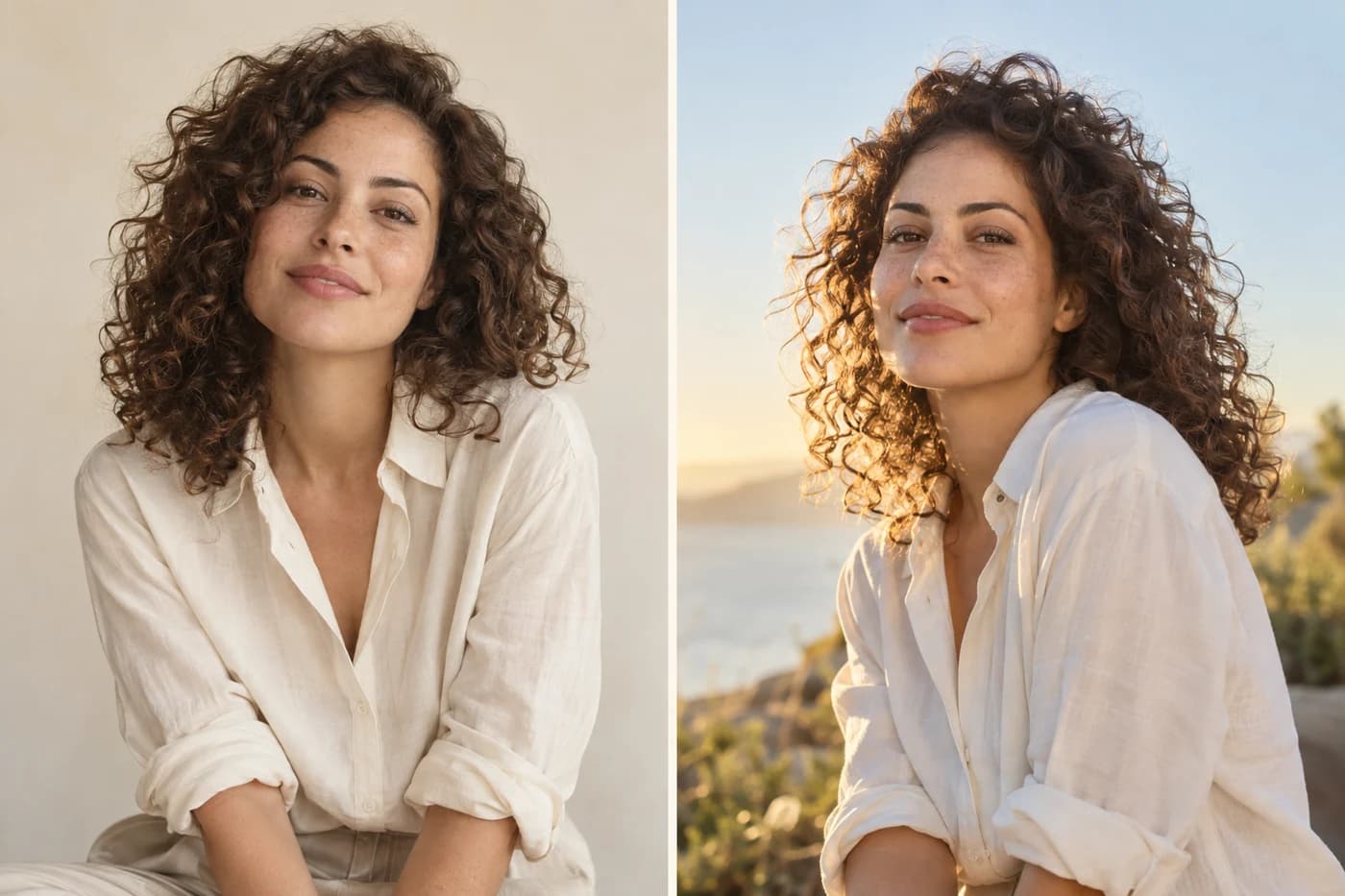
Upload a photo and describe what you’d like to change. Refine the details, one message at a time.

Explore new settings, lighting, and editorial looks for your photos.

Bring characters, anime illustrations, and comic ideas to life.
Explore visual directions for your brand and refine your favorite.

See yourself in different outfits, colors, and styles.
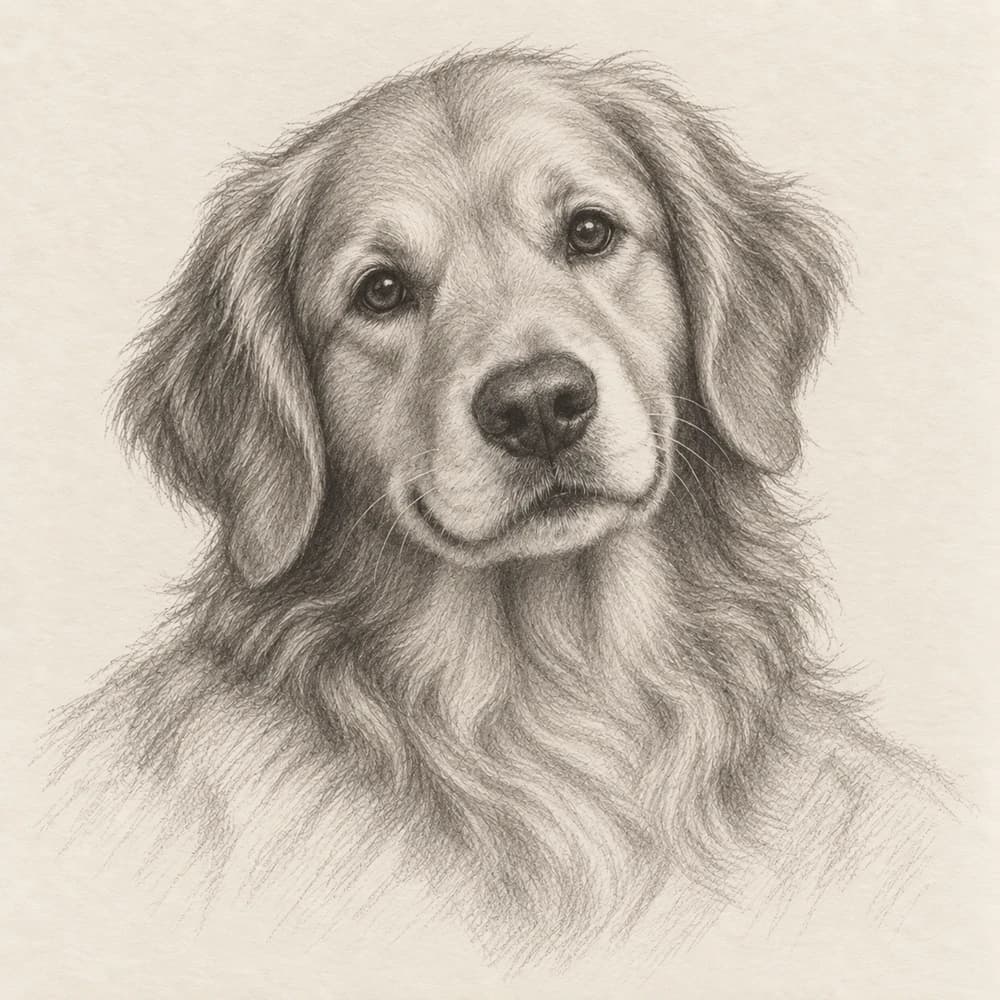
Turn a photo into a sketch, painting, or cartoon.
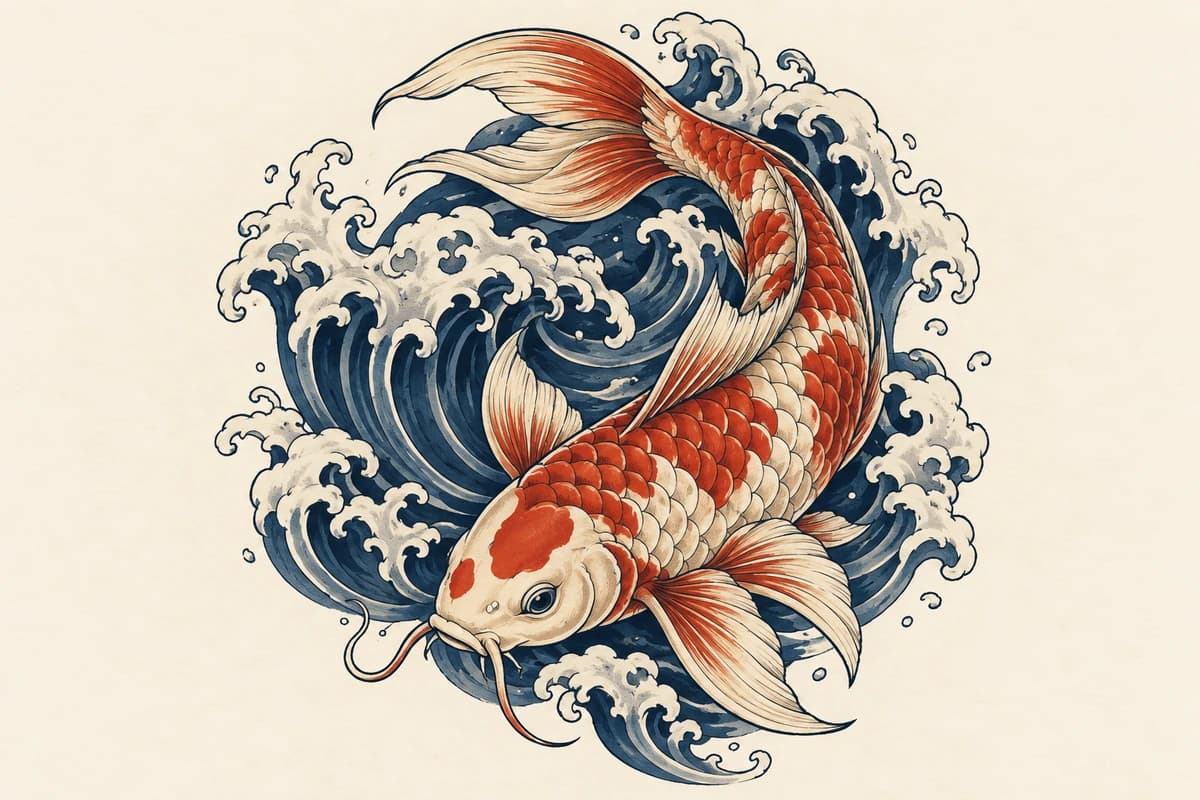
Find your direction with original tattoo concepts and variations.
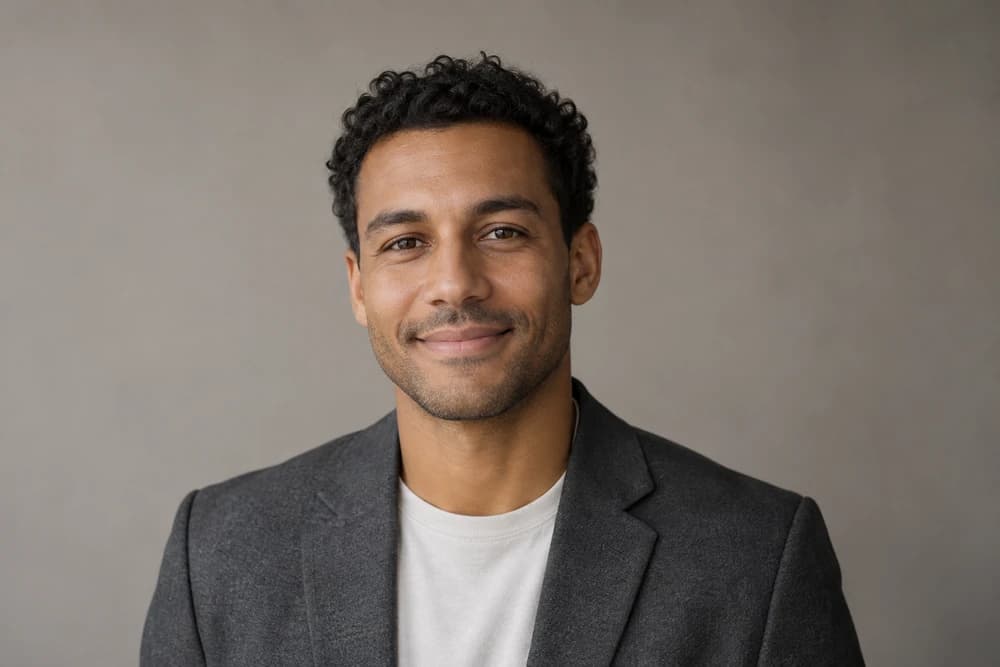
Create a polished portrait for your profile, website, or team page.

Reimagine your space with new palettes, furniture, and moods.

Create promotional visuals for events, offers, and campaigns.
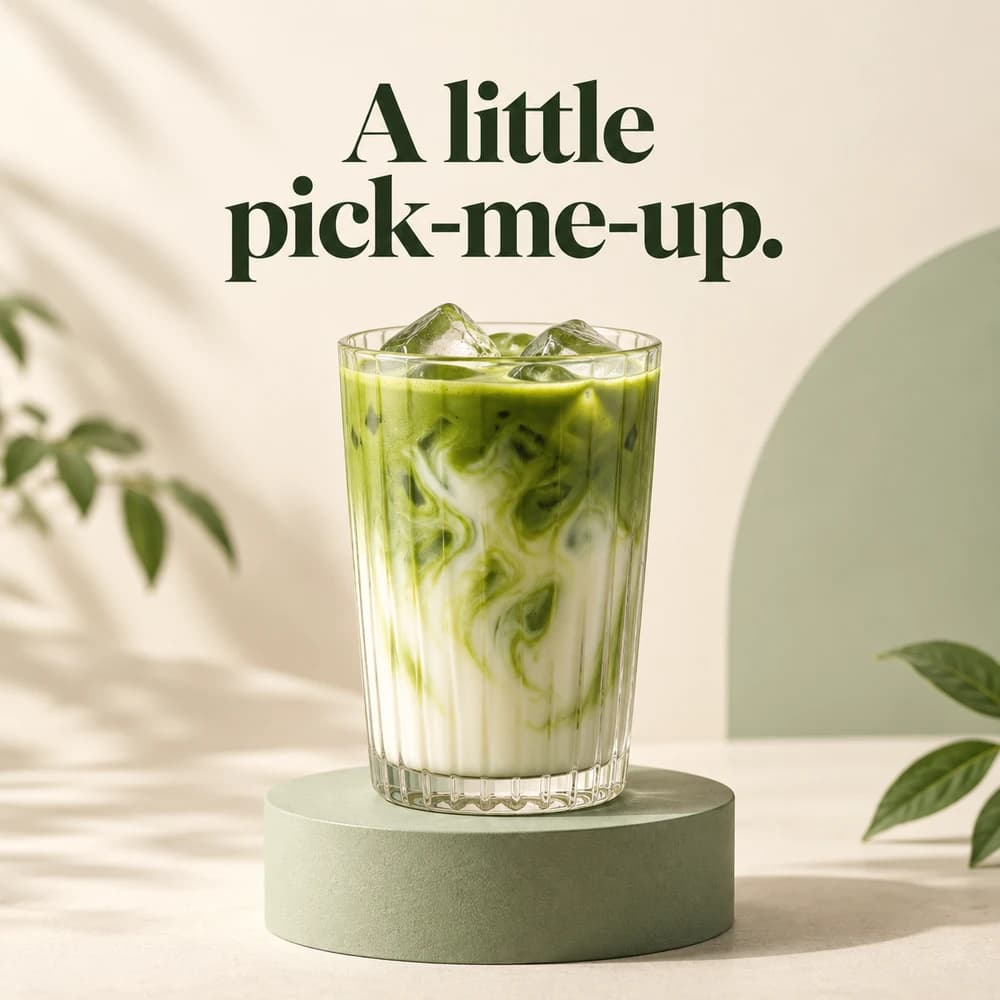
Keep your feed fresh and give your next video a standout cover.

Give your products fresh backgrounds, lifestyle scenes, and seasonal looks.
No complicated tools to master. Just you, your ideas, and a little back and forth.
Try for freeTell DreamEdit what you want to create, or upload an image to edit.
Describe what to change. Explore a few directions and refine your favorite.
Your images are ready to download and share. Your conversations stay saved, so you can pick up where you left off.
17 models from 6 providers


Try it out, then make DreamEdit part of your creative routine.
Billed monthly. Cancel anytime.
Pay in USD or an available local currency at checkout.
Yes. Verify your email to get 1,000 free credits to explore image generation and editing, valid for 30 days. No credit card required. You’ll only be charged if you choose to subscribe. Try for free.
Image generation, editing, and messages use credits. Usage varies by model and settings. Your plan includes 9,000 credits each month; unused monthly credits expire at the end of the billing period and don’t roll over. Extra credits last 12 months and remain usable after cancellation. You can buy more while your subscription is active and isn’t scheduled to cancel.
Yes. Open Billing in your account settings, then choose Manage billing to cancel. Your subscription ends at the end of the current billing period and won’t renew. You can use your remaining monthly credits until then.
DreamEdit offers OpenAI’s GPT Image, Google’s Gemini image models (including Nano Banana), Black Forest Labs’ FLUX, ByteDance’s Seedream, Microsoft’s MAI-Image-2.6 and MAI-Image-2.6-Flash, and SpaceXAI’s Grok Imagine Image. Choose a model for your next request. See the full model list.
Describe what you want to create, choose an image model, and send your message. In DreamEdit, you can start with a simple idea and refine the result by asking for changes to the scene, lighting, colors, or style. No technical expertise is required.
Upload a photo and describe the change you want. For example: “Give this portrait warm, golden-hour lighting.” In DreamEdit, you can review the result and request further changes in the same conversation, such as a different background or a softer color palette.
Yes. DreamEdit supports up to 10 image options in one request using your selected model. Explore several options, choose a direction, and continue refining it.
Yes. DreamEdit works in a web browser on your phone, tablet, or computer.
Yes. DreamEdit saves your conversations and images so you can return to an idea, continue refining it, and download your images. This lets you build on earlier work for your next post, product image, or creative project.
Upload your photo and describe the style you want, for example, “Turn this portrait into a pencil sketch with soft shading.” You can then ask DreamEdit to adjust the detail, colors, or background through follow-up messages.
Include the subject, setting, style, and lighting. For example: “A ceramic coffee mug on a wooden table, photographed in soft morning light.” Add details that matter to your project, then use follow-up messages to adjust the result instead of rewriting everything.
The best AI image generator depends on the images you need, the editing control you want, and your budget. DreamEdit brings 17 image models from 6 providers into one workspace, so you can try different models with your own prompts and refine the results through conversation.
Choose an AI photo editor by how well it follows your instructions, preserves the details that matter to you, and supports further adjustments. DreamEdit lets you upload photos and describe your edits in everyday language, with multiple image models to choose from.
No credit card required.